
Analyzing Business Sale Data with Multiples Maker™
You have total control to integrate and analyze market comps data from whichever database best fits your needs.
ValuAdder doesn't require a specific comps database. Whether an engagement calls for public-company data, a business-broker subscription, proprietary closed-transaction history, or some combination of these, Multiples Maker™ becomes the common analytical interface between whatever market evidence is appropriate and ValuAdder's Market Comps calculation.
Your data source can change from one engagement to the next without changing your valuation platform.
Key Benefits
- Keep your valuation platform independent of any single comps database — swap data providers without switching software.
- Import comparables data from any database of your choice.
- Map fields flexibly to calculate your preferred valuation multiples.
- Filter outliers with customizable standard deviation settings.
- Visualize questionable data points before running calculations.
- Generate professional-grade multiples automatically.
- Seamless integration with ValuAdder's Market Comps tool.
With Multiples Maker™, you stay in control while leveraging automation to ensure accurate, consistent, and professional business valuations, faster than ever before.
Here's how it works.
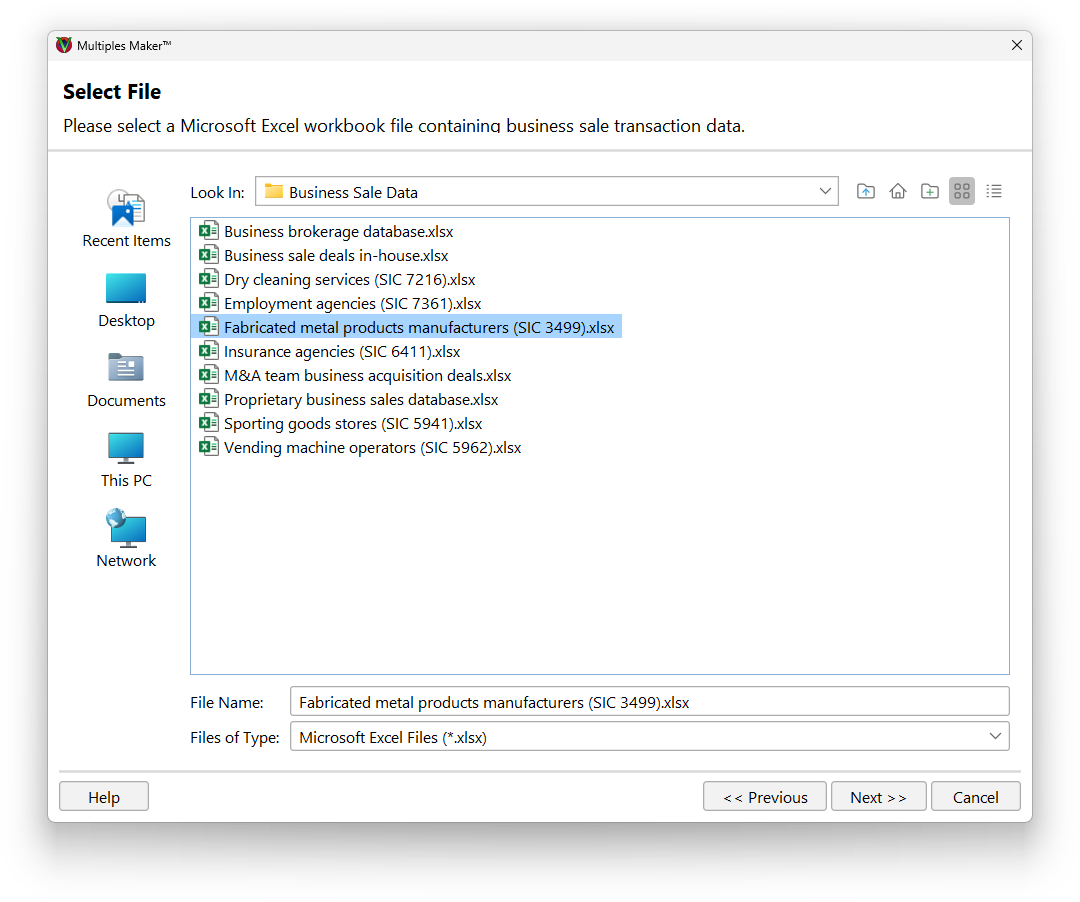
Select Your Data Source
First you'll select the Microsoft Excel file containing your business sale transaction data.
The leading market comps databases can export business sale data in Microsoft Excel format suitable for use with Multiples Maker™.
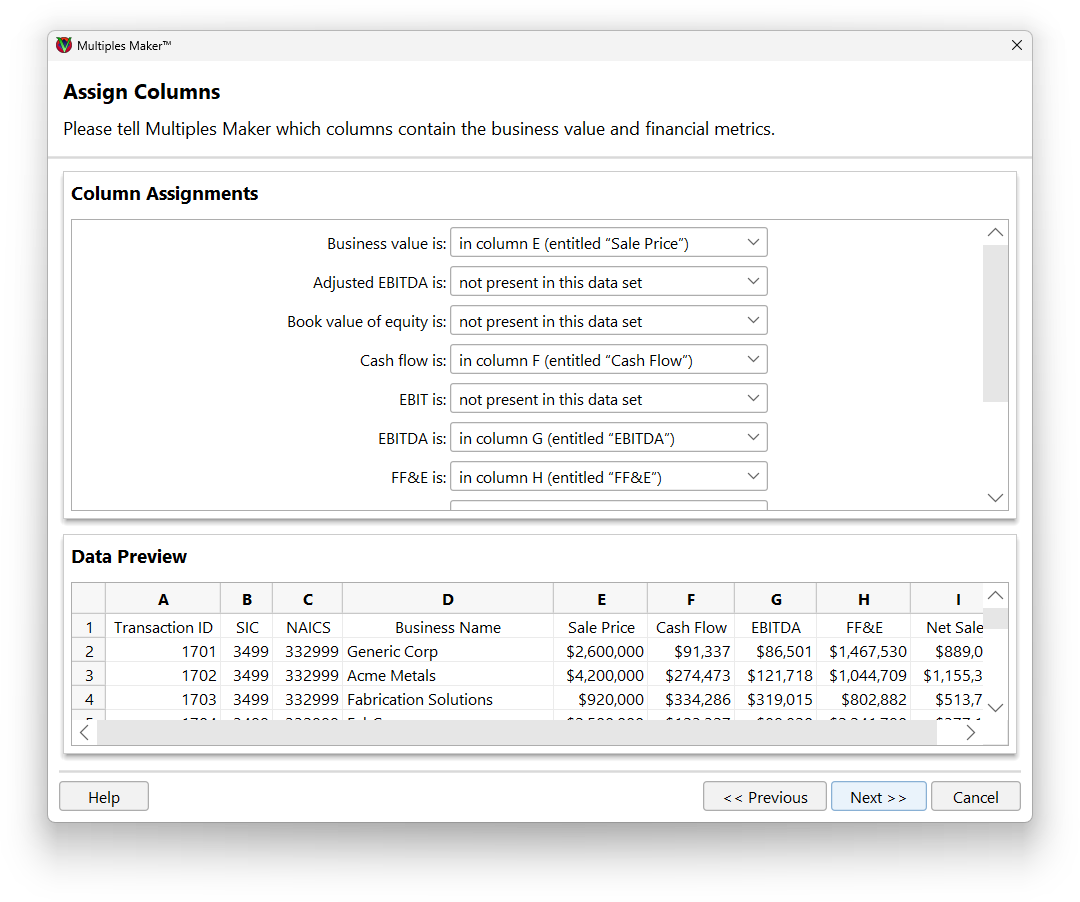
Pick the Data Points
Then you'll tell ValuAdder which columns contain the business value and financial metrics.
Thanks to this flexibility, you can use data from a wide variety of databases—even a database that your firm keeps in-house.
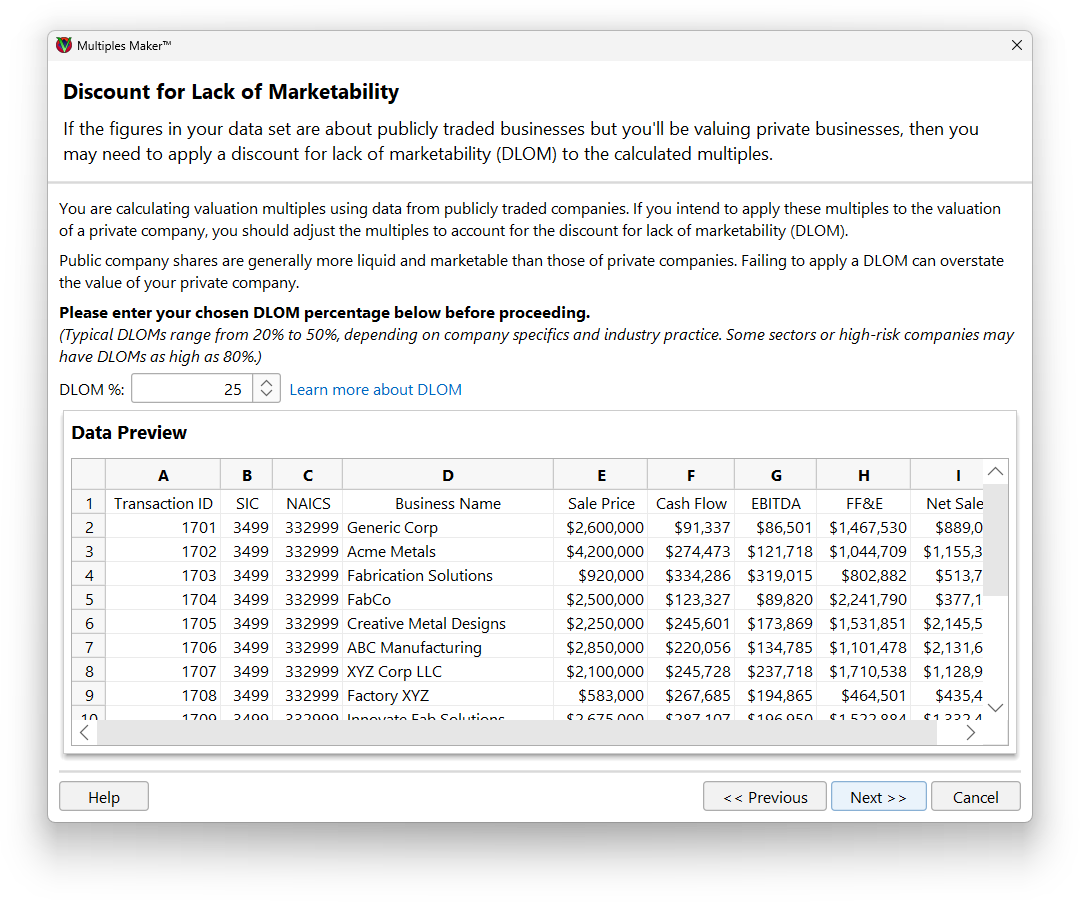
Apply Marketability Discount
If you're using data about publicly traded companies then you'll need to apply a discount for lack of marketability (DLOM). ValuAdder can handle that for you. What's DLOM?
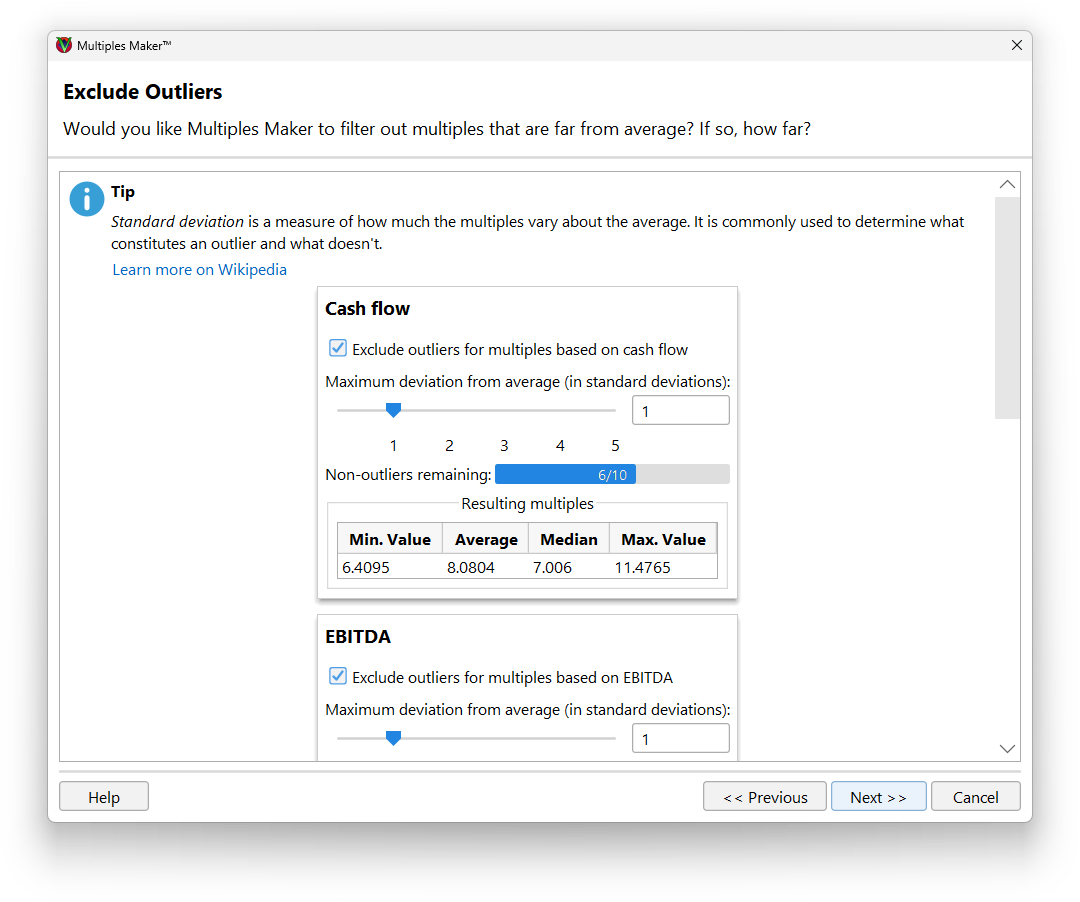
Refine Your Data by Excluding Outliers
Just like any data set, you'll usually find outliers in business sale transaction databases—companies whose sale price is far more or far less than the average for their industry and financial metrics.
ValuAdder can exclude outliers for you if you'd like. For each financial metric (like cash flow or net sales), you'll tell ValuAdder how many standard deviations away from average is considered an outlier. ValuAdder will then tell you how many business sales in the data set will be excluded, along with a preview of the resulting multiples.
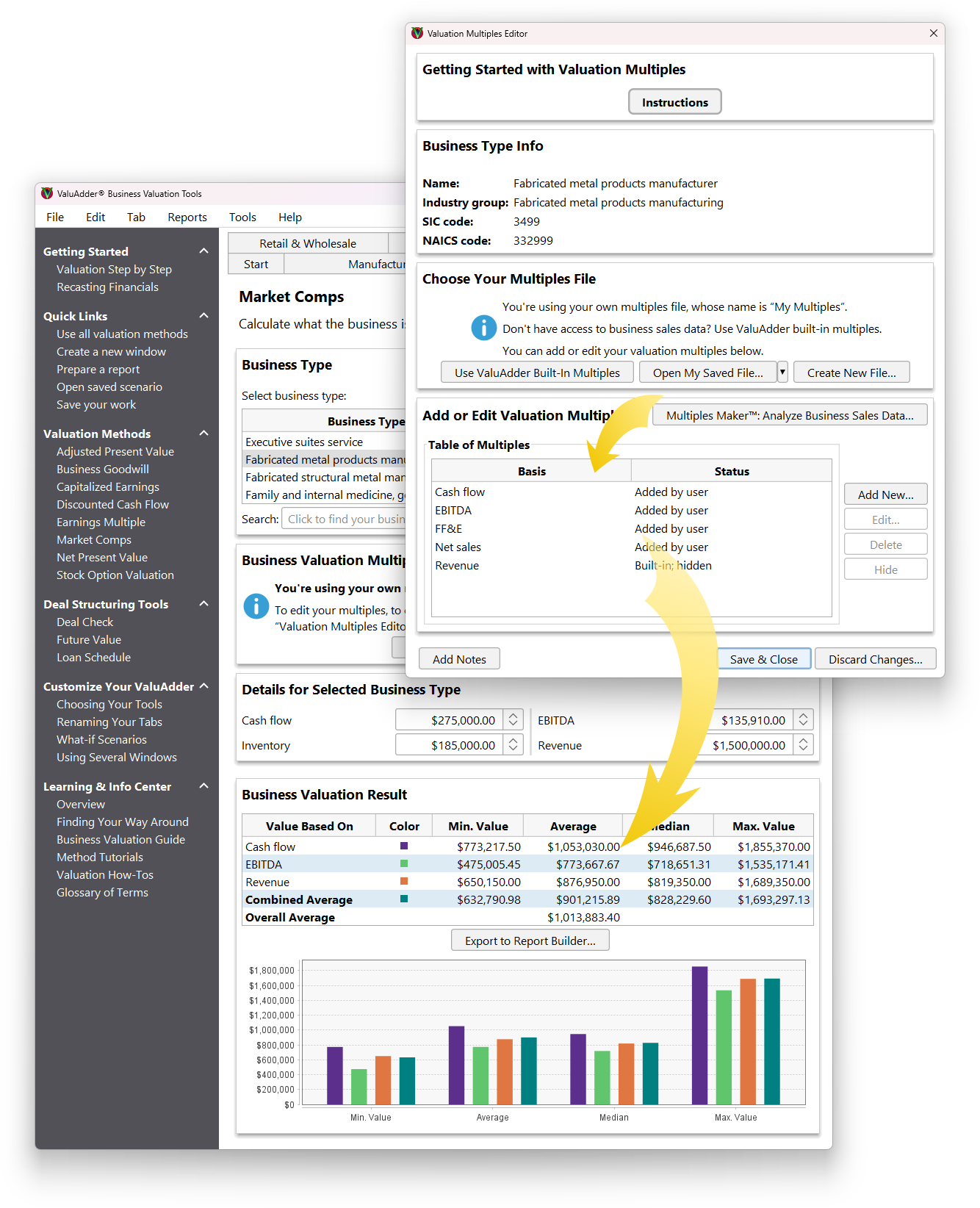
Your Multiples Are Ready
That's it! ValuAdder will then calculate your new multiples, ready to use in your business valuation calculations.