
The Automatic Data Bridge: Connecting Business Valuation Analysis to Appraisal Report Creation
If you’ve ever finished a business valuation analysis only to spend the next few hours retyping numbers into a report, you already know where the real time drain lives. It’s rarely the analysis itself – it’s the handoff. Every figure that moves from your workbook to your report is another chance for a typo, a missed adjustment, or a mismatched total.
That’s exactly the gap the automatic data bridge is built to close. It connects your business valuation directly to appraisal report creation, so the numbers you calculate are the same ones that show up in your final document – automatically, and without a second round of data entry.
What Is the Automatic Data Bridge?
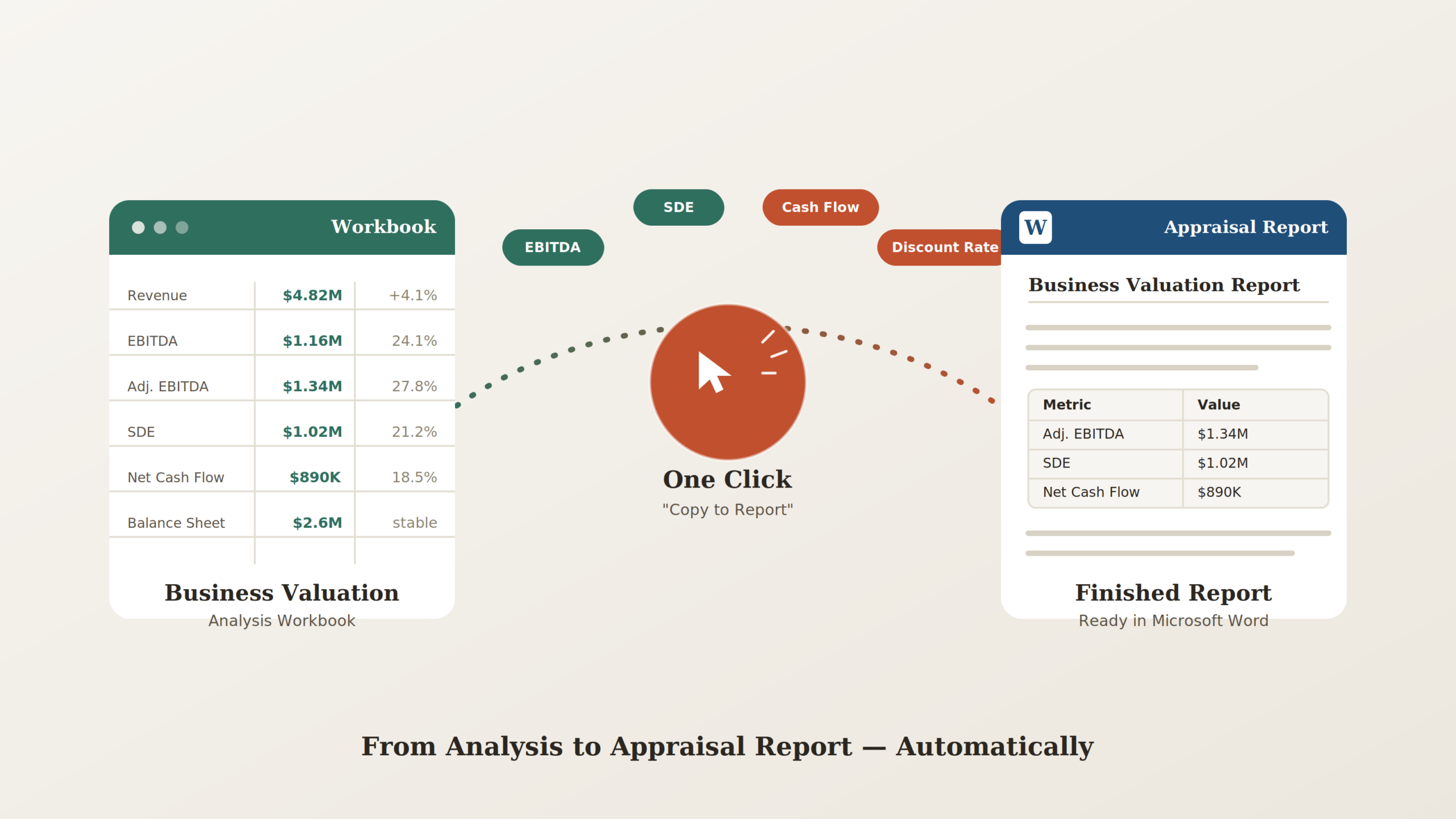
The automatic data bridge is a built-in workflow that links a business valuation workbook to a Word-based appraisal report. Instead of exporting figures, formatting them, and pasting them into a report by hand, you build your analysis once and transfer it to your report with one click.
The result is a single source of truth: the same underlying data drives both your finished report, and it also feeds into ValuAdder for business valuation – so nothing has to be reconciled between systems later.
How the Workflow Works, Step by Step
- Start a new financial analysis workbook and export it to Excel.
- Link in your Income Statement and Balance Sheet directly from your company’s financials, rather than retyping them.
- Run your normalization schedules to work up the key inputs every valuation depends on, including:
- Revenues
- Expenses
- EBITDA
- Adjusted EBITDA
- Net Cash Flow
- Seller Discretionary Earnings (SDE)
- Balance sheet book values and adjusted assets and liabilities
- Generate cash flow forecasts automatically, either from your company’s historic trends or with a sales-driven forecasting model.
- Open Report Builder to create a new report. It opens directly in Microsoft Word, fully editable and customizable to fit your specific engagement.
- Click “Copy to Report” button from inside the workbook.
- Watch your data transfer automatically, including your historic income statement with normalization schedules, your earnings and cash flow forecast, your balance sheet with book values and adjustments, your discount rate buildup detail, and your SDE calculation.
That’s it. No re-keying figures, no reformatting tables, no cross-checking that the report matches the workbook – it already does.
Why It Matters: The Real Benefits
On paper, “one-click data transfer” sounds like a small convenience. In practice, it changes how a valuation engagement actually runs:
- Single source of truth. The same data lands in your business valuation report and feeds into ValuAdder for business valuation, so your analysis and your report never drift apart.
- Saves time. A single click replaces what used to be a manual, multi-step export-and-paste process.
- Reduces data entry error. Eliminating manual input addresses the most common source of small – but costly – mistakes in a valuation report.
- Bridges analysis and reporting. Instead of treating valuation analysis and report creation as two separate tools that happen to be used together, the bridge treats them as one connected workflow.
- Documents the full engagement. Everything is captured, from the original financial statements through normalizing adjustments, discount rate buildup, valuation analysis, and the final valuation report – giving you a complete, defensible record.
Who Benefits Most From This Workflow
Business appraisers, valuation analysts, and firms that produce recurring appraisal reports get the most immediate payoff. If you’re preparing valuations for litigation support, M&A due diligence, estate planning, or SBA lending, having a documented, error-resistant trail from raw financials to finished report isn’t just a convenience – it’s part of building a defensible work product.
The Bottom Line
The automatic data bridge doesn’t change how you value a business – rather what happens after you’ve done the work. By connecting your business valuation analysis directly to appraisal report creation, it turns a manual, error-prone handoff into a single click, so your time goes toward analysis and judgment instead of copying and pasting numbers.